
Photography & video training for businesses, teams & organisations
Practical photography and video training for businesses, universities, charities, local authorities and in-house marketing and communications teams.
Training built around the equipment you already use and the content your team actually needs to create - from mirrorless camera photography and events to mobile video, lighting, Lightroom and product photography.
Overview | Training options | How it works | Outcomes | On-site info & Costs | FAQs | Contact
📍On-site training available across Cardiff, Newport, South Wales, Bristol and beyond.
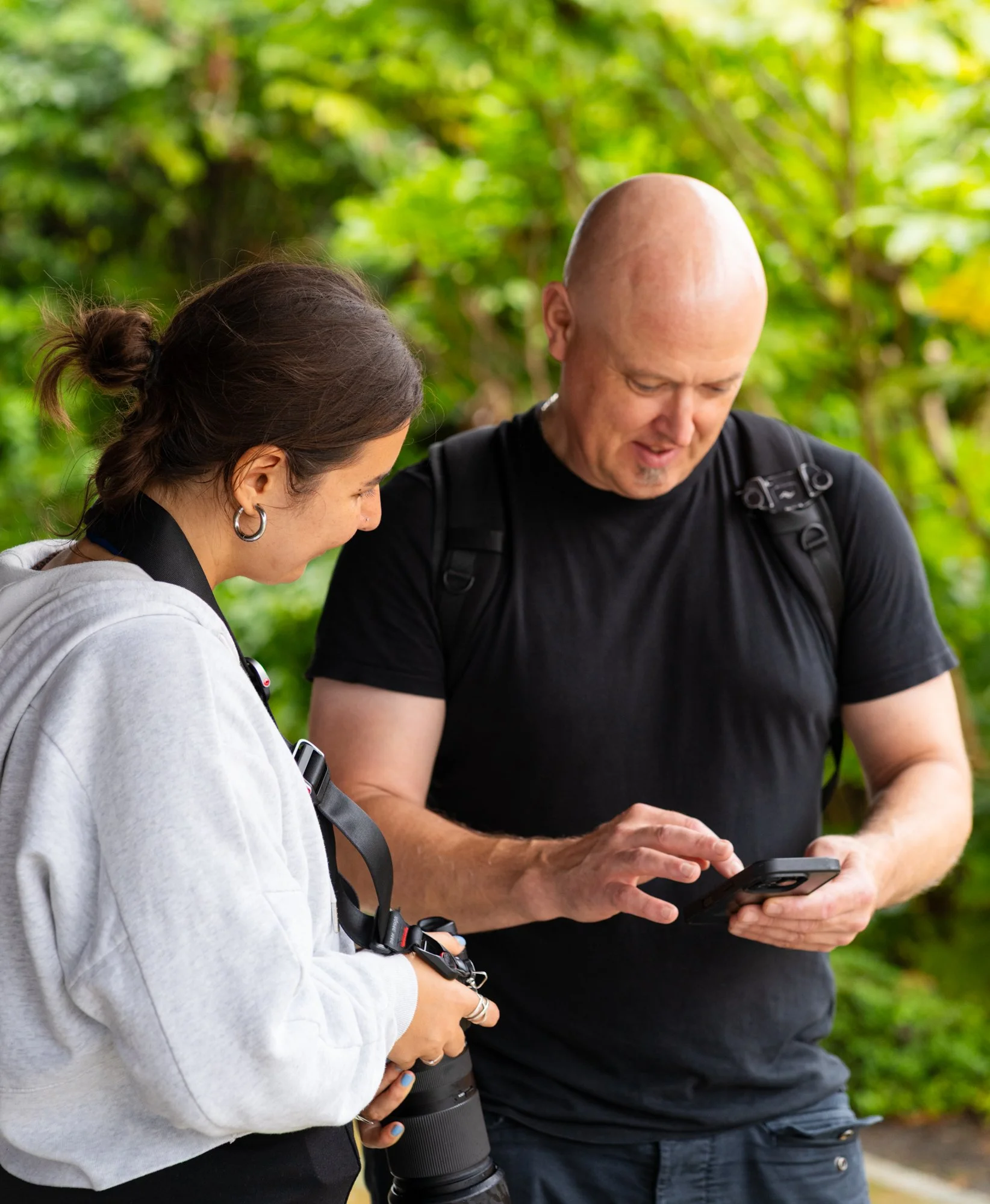
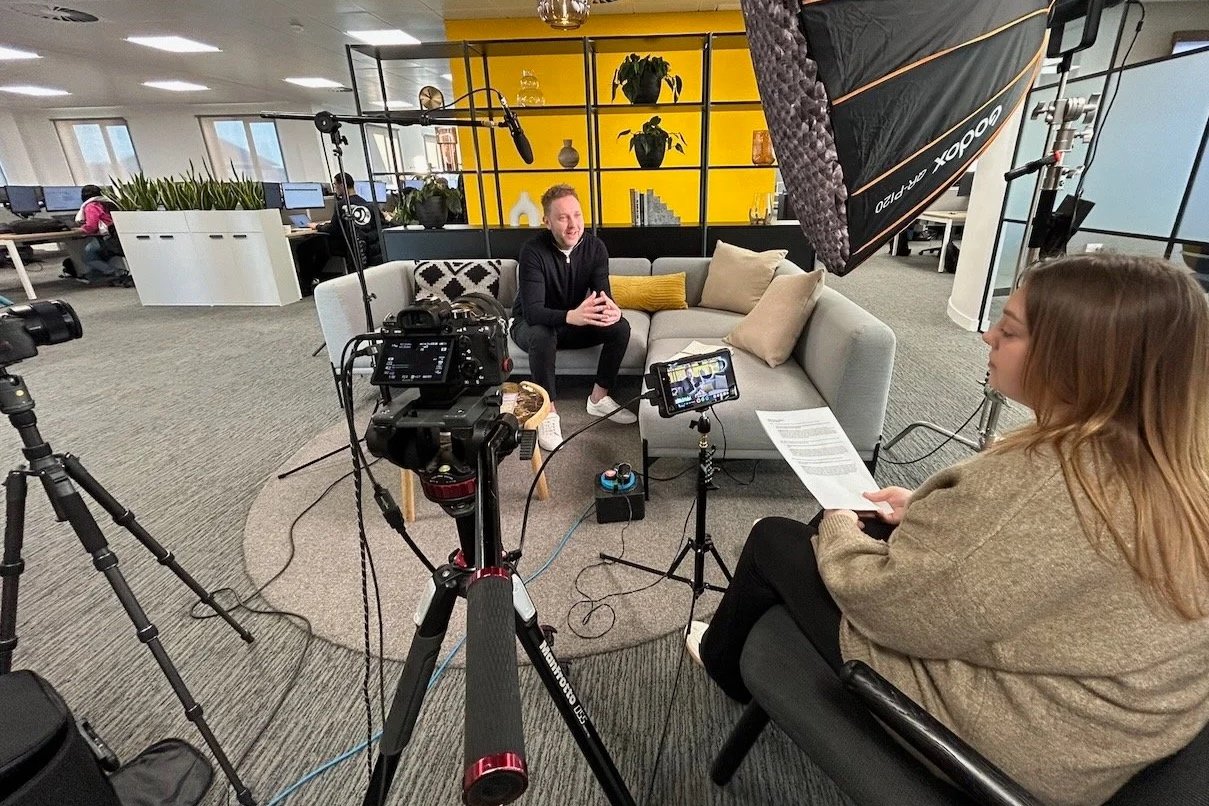
Training for in-house teams
Many organisations already have decent cameras and smartphones. The challenge is using them consistently in imperfect or fast-moving situations. The goal: give your team practical, hands‑on methods for everyday communications and marketing. Training fits beginners, experienced users, or mixed teams.
Ideal for marketing, comms/PR, universities, local authorities, businesses, in-house content teams, charities and membership organisations.
What can the training cover?
Training tailored to your company’s needs
-
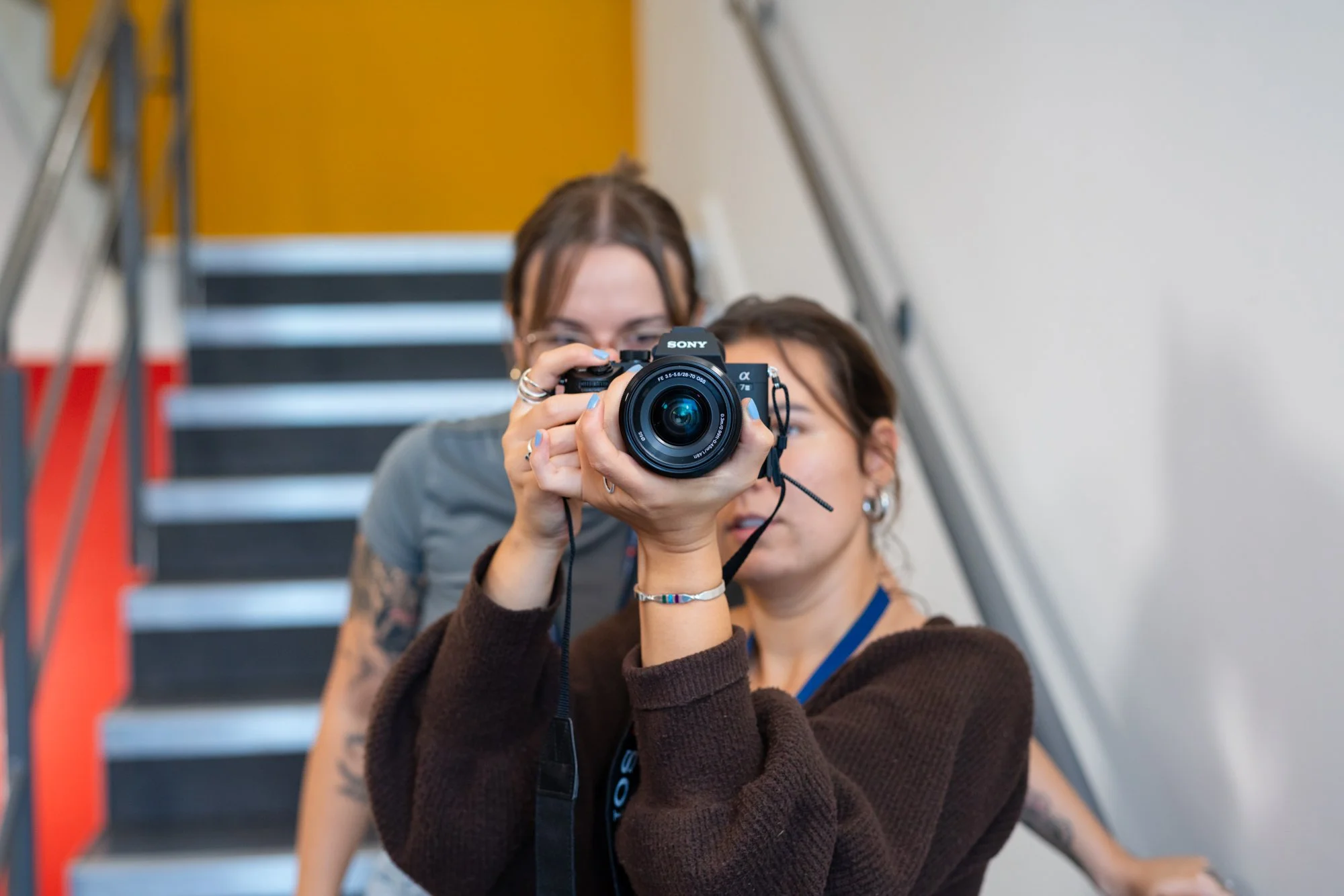
Camera & mirrorless photography
Get your team more confident using the camera equipment you already own.
Training can cover camera setup, getting out of Auto mode, aperture, shutter speed, ISO, autofocus, eye tracking, lenses, composition, available light and working quickly in changing situations.
-
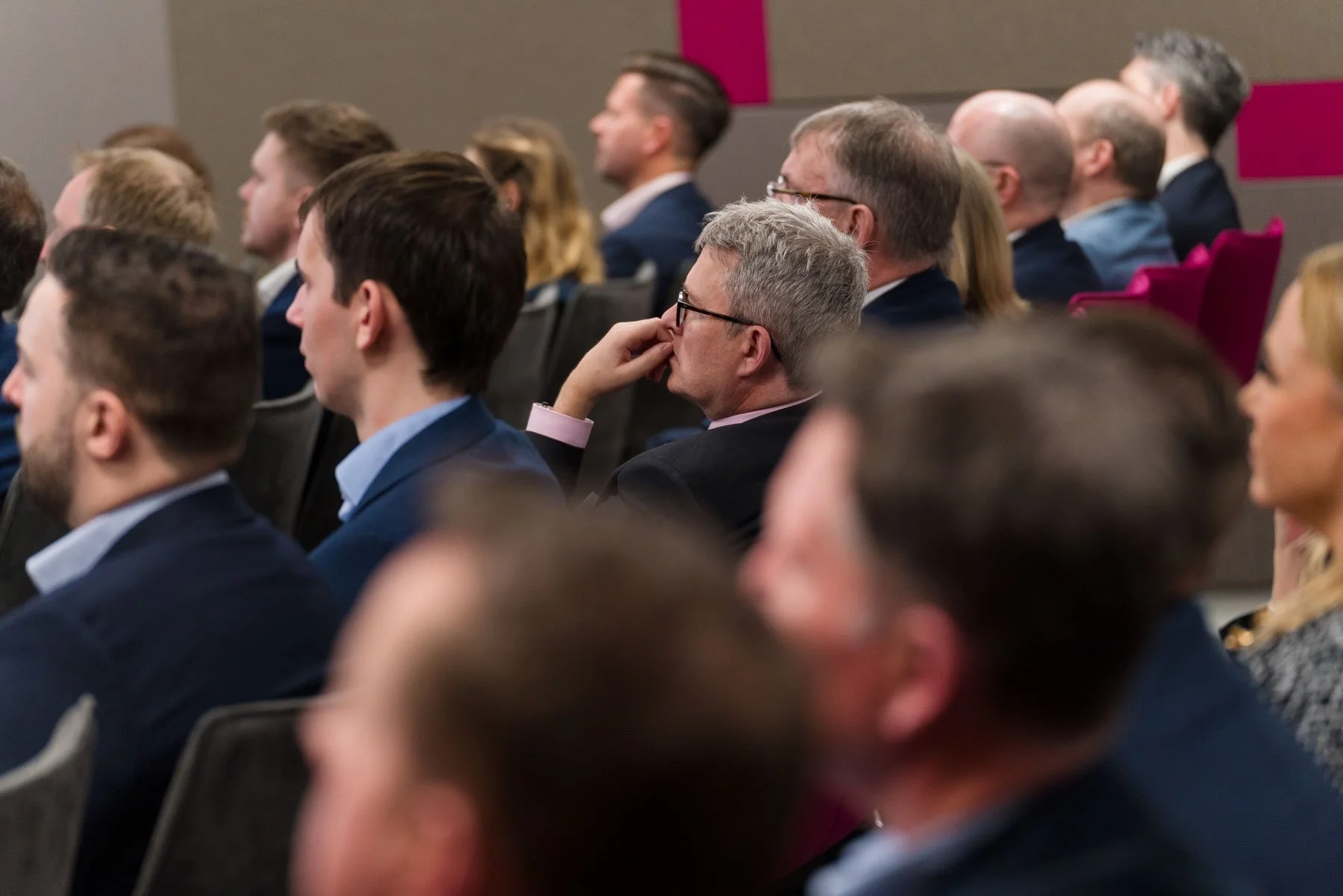
People, events & PR photography
Learn how to create stronger photographs of the things organisations actually need to document.
That can include people at work, meetings, speakers, presentations, groups, formal moments, interactions and reactions - as well as building a useful set of wide, medium, detail and contextual photographs from an event.
-
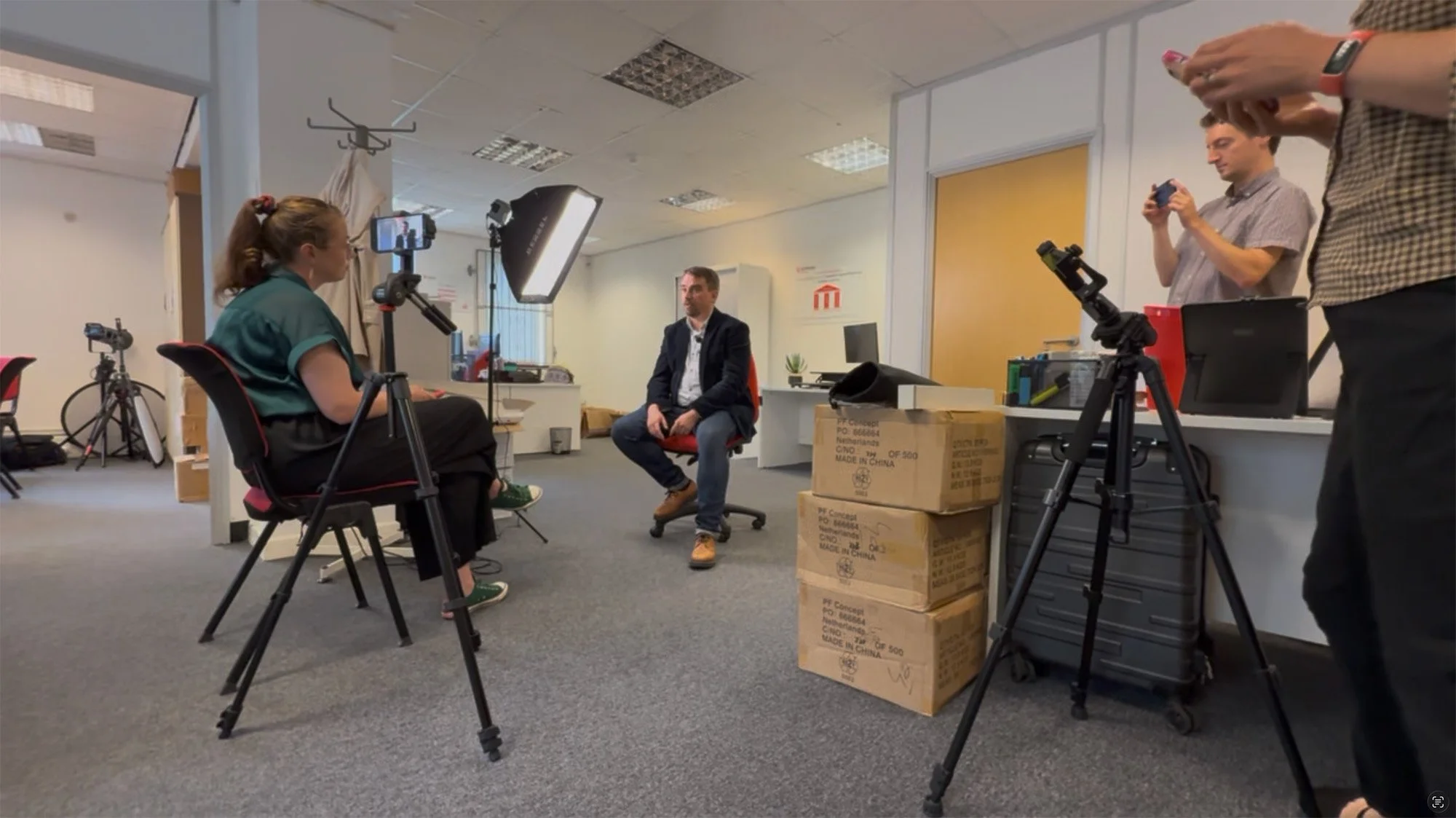
Mobile photography & video
Help more of your team create useful everyday content using their smartphones.
We can cover photography, framing, movement, interviews, B-roll, audio, lighting, vertical and horizontal formats, basic editing, captions and repeatable social content.
-
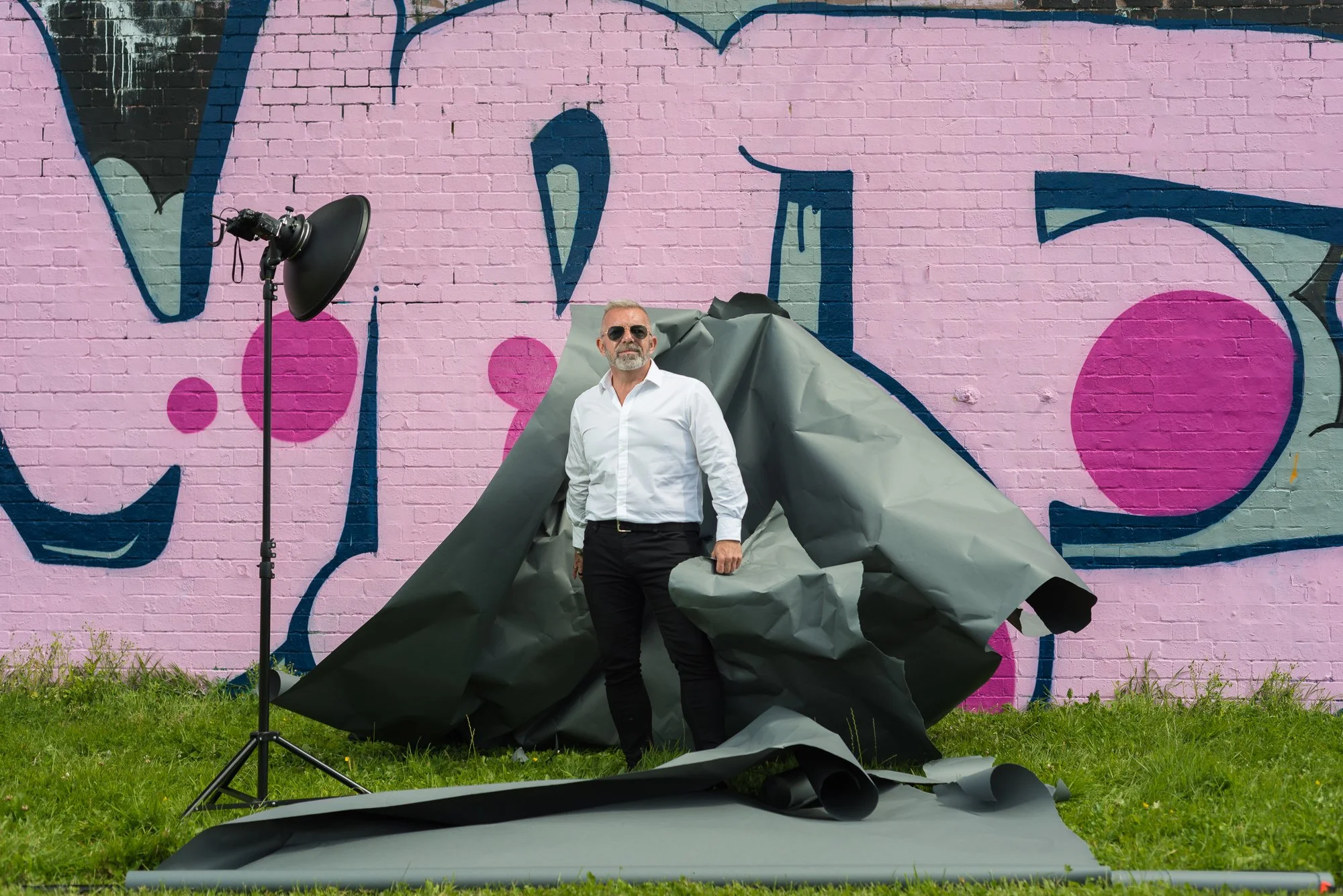
Lighting & flash
Understand how to work with difficult light rather than simply accepting it.
Training can include natural light, reflectors, on-camera flash, off-camera lighting, portable portrait setups and studio lighting fundamentals depending on the team's requirements.
-
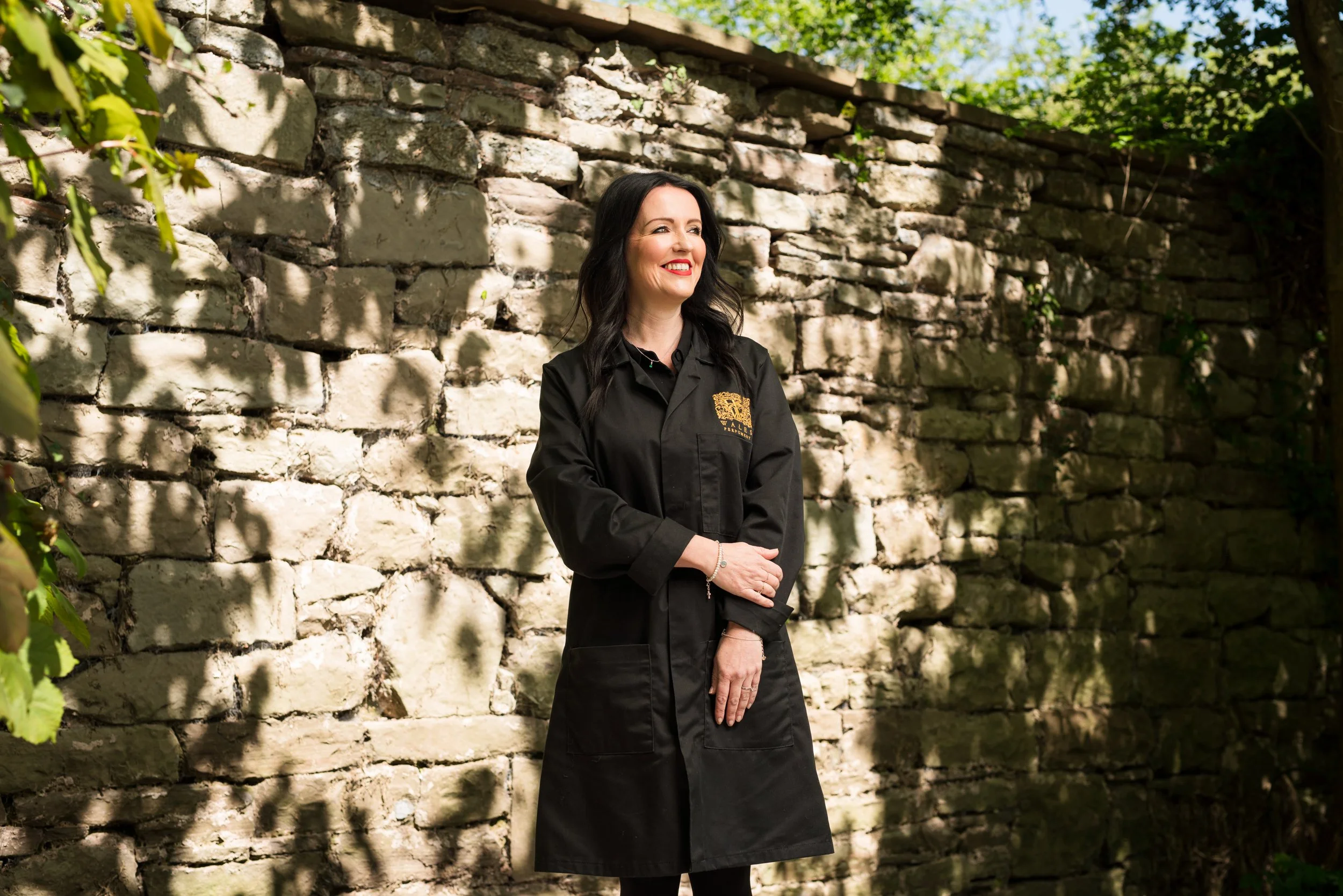
Adobe Lightroom & editing workflow
Build a quicker and more consistent process after the photographs have been taken.
This can include selecting images, exposure and colour correction, cropping, masking, file naming, organising photographs, export settings and establishing a repeatable delivery workflow.
-
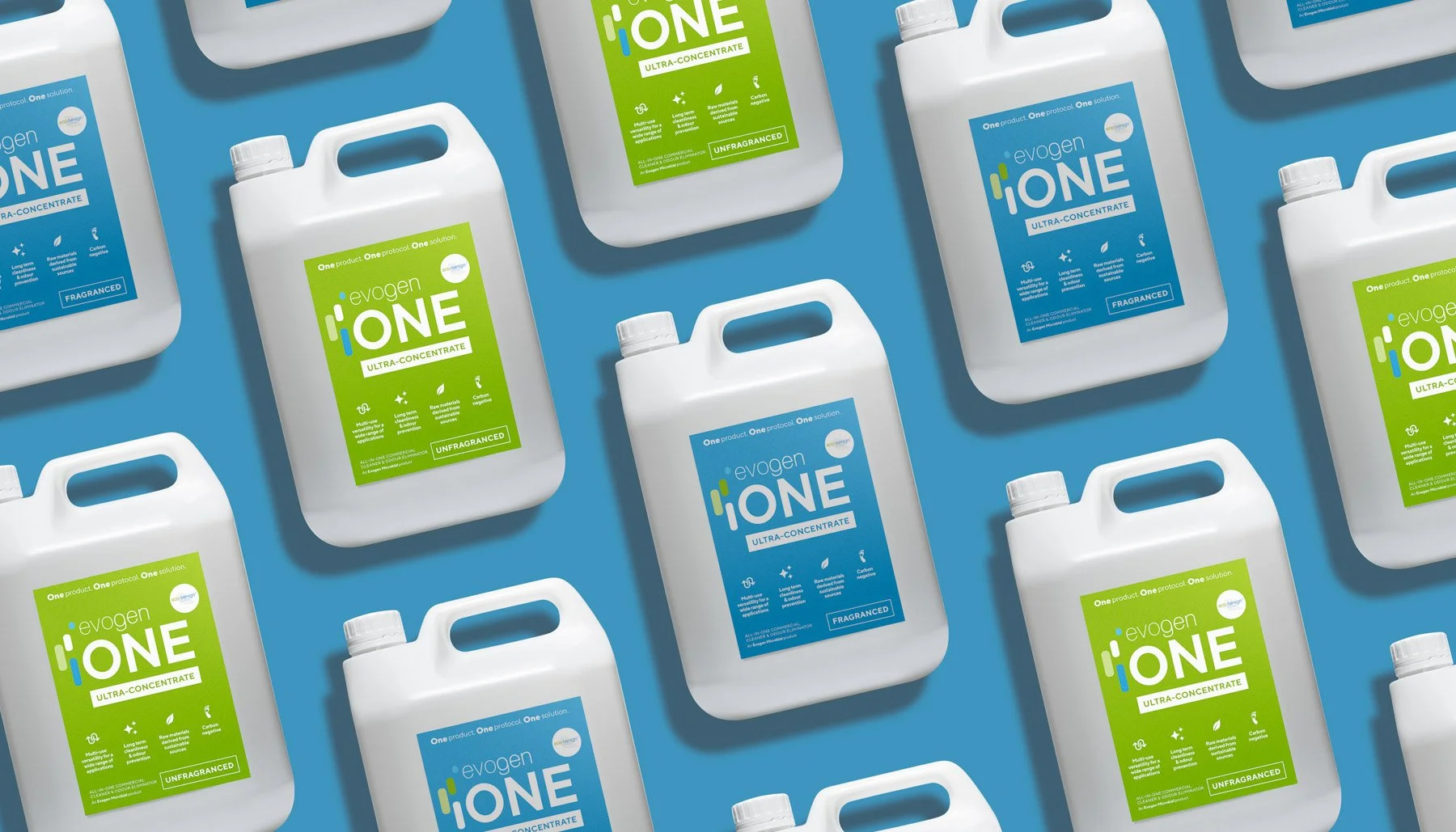
Product & content photography
For businesses that regularly photograph products, equipment, demonstrations or processes themselves.
Learn practical lighting, backgrounds, camera positioning, consistency, reflections and editing using your own products wherever possible.
Practical photography training - not hours of theory
The quickest way to improve photography isn't to spend the whole day talking about it.
Training is workshop-led and follows a simple process. This practical approach is already at the heart of the training programme: short demonstrations, immediate practice, simple checklists and fast feedback rather than lengthy classroom teaching.
-
01. Show
I'll explain and demonstrate the technique, keeping the technical theory relevant and understandable.
-
02. Shoot
Your team immediately puts it into practice using their own cameras, phones or equipment.
-
03. Review
We'll look at the results together and identify the small things that make the biggest improvement.
-
04. Repeat
Make the adjustment and try again until the process becomes something your team can confidently repeat.
Train for what actually happens at work
Real-world content. Real situations. Where possible, exercises are based around the content your organisation actually needs to create - covering camera setup, getting out of Auto mode, aperture, shutter speed, ISO, autofocus, eye tracking, lenses, composition, available light and working quickly in changing situations.
-

People at work
Capture staff, students, customers and colleagues naturally without every photograph feeling staged.
-
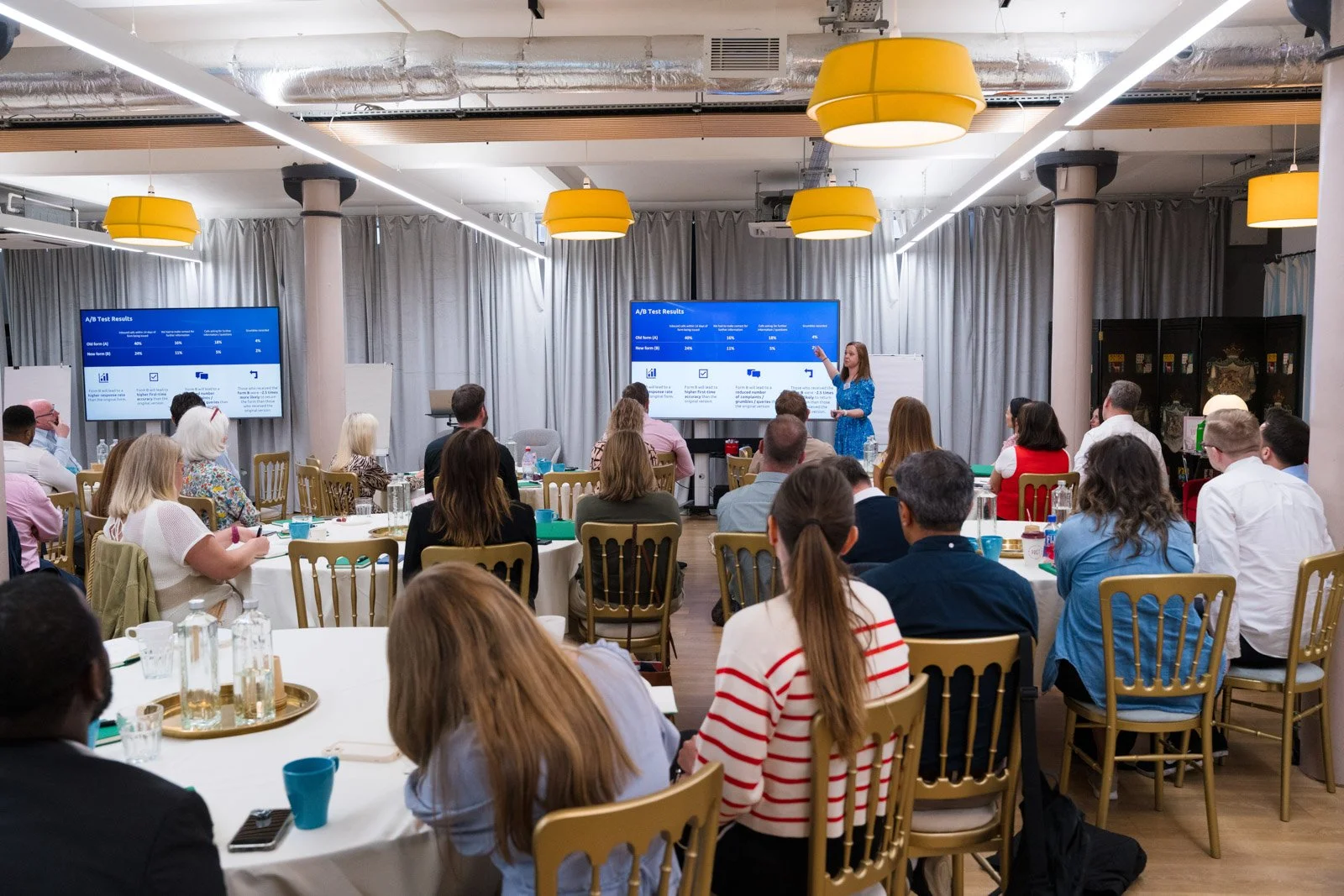
Events, meetings & live moments
Learn what to look for and how to build complete coverage of speakers, audiences, presentations, reactions and the wider environment.
-
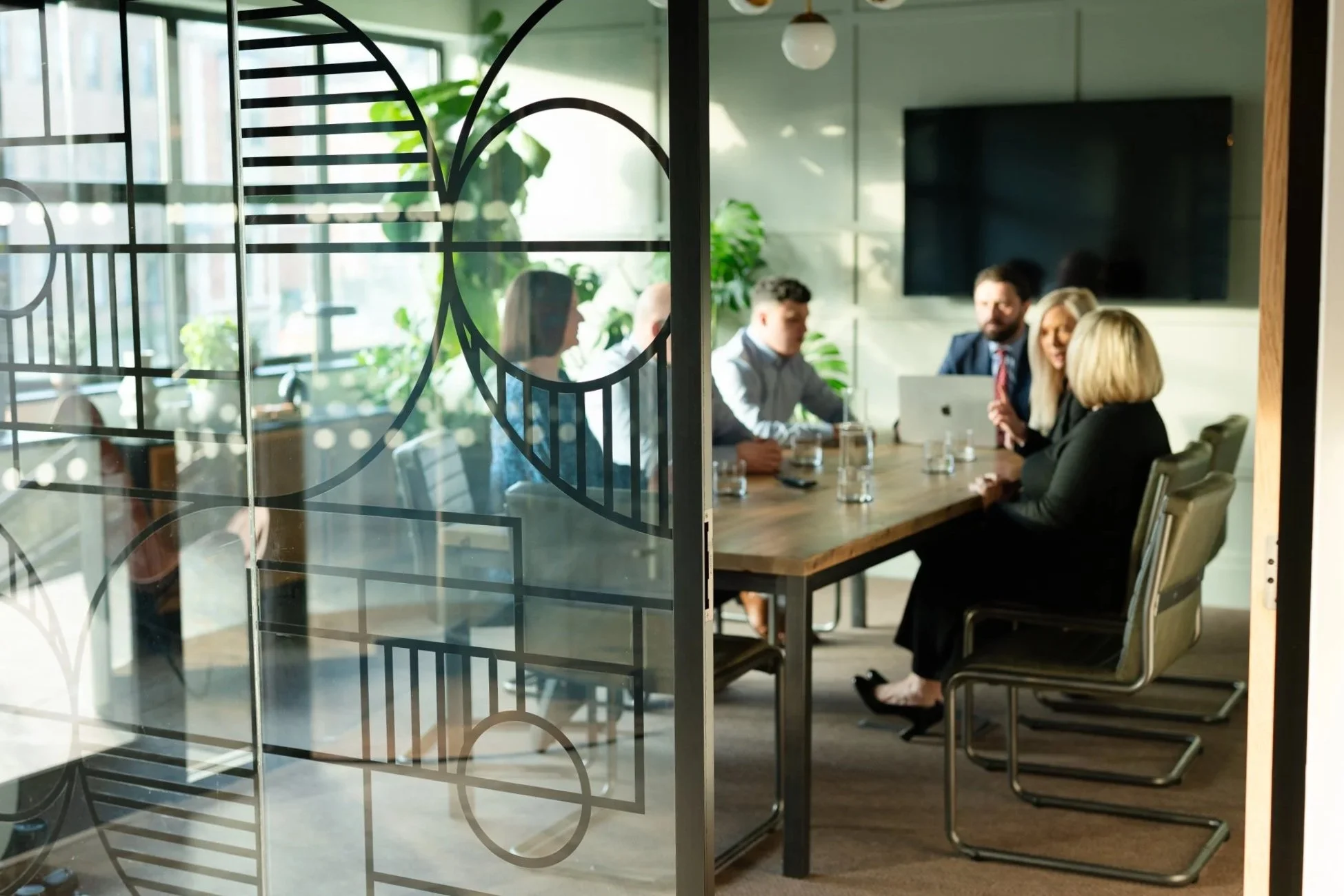
Buildings & interiors
Create stronger exterior and interior photographs while dealing with perspective, windows, mixed lighting and difficult spaces.
-
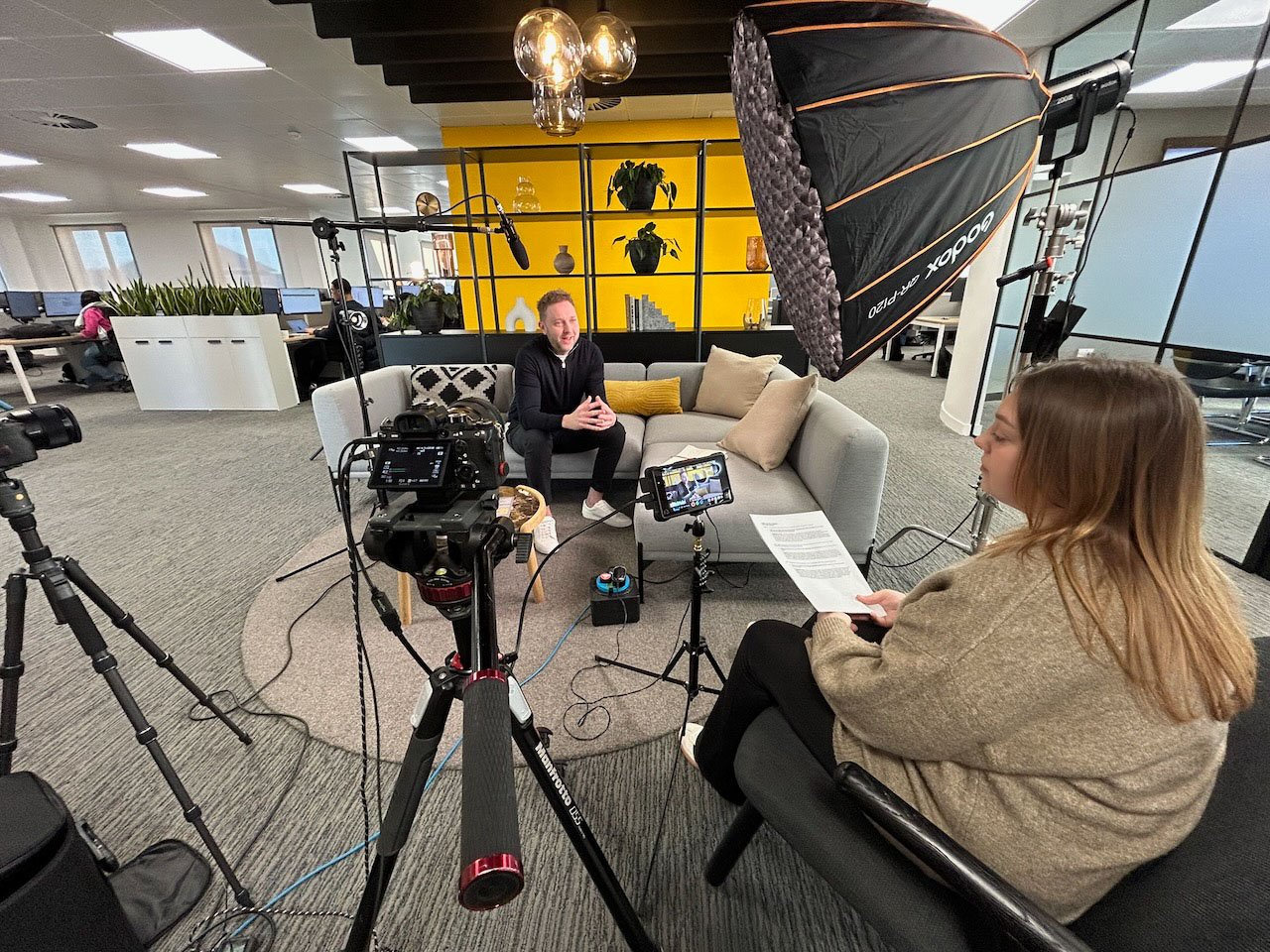
Interviews & video updates
Improve framing, audio, lighting, interview technique and the supporting footage needed to turn a quick recording into useful content.
-
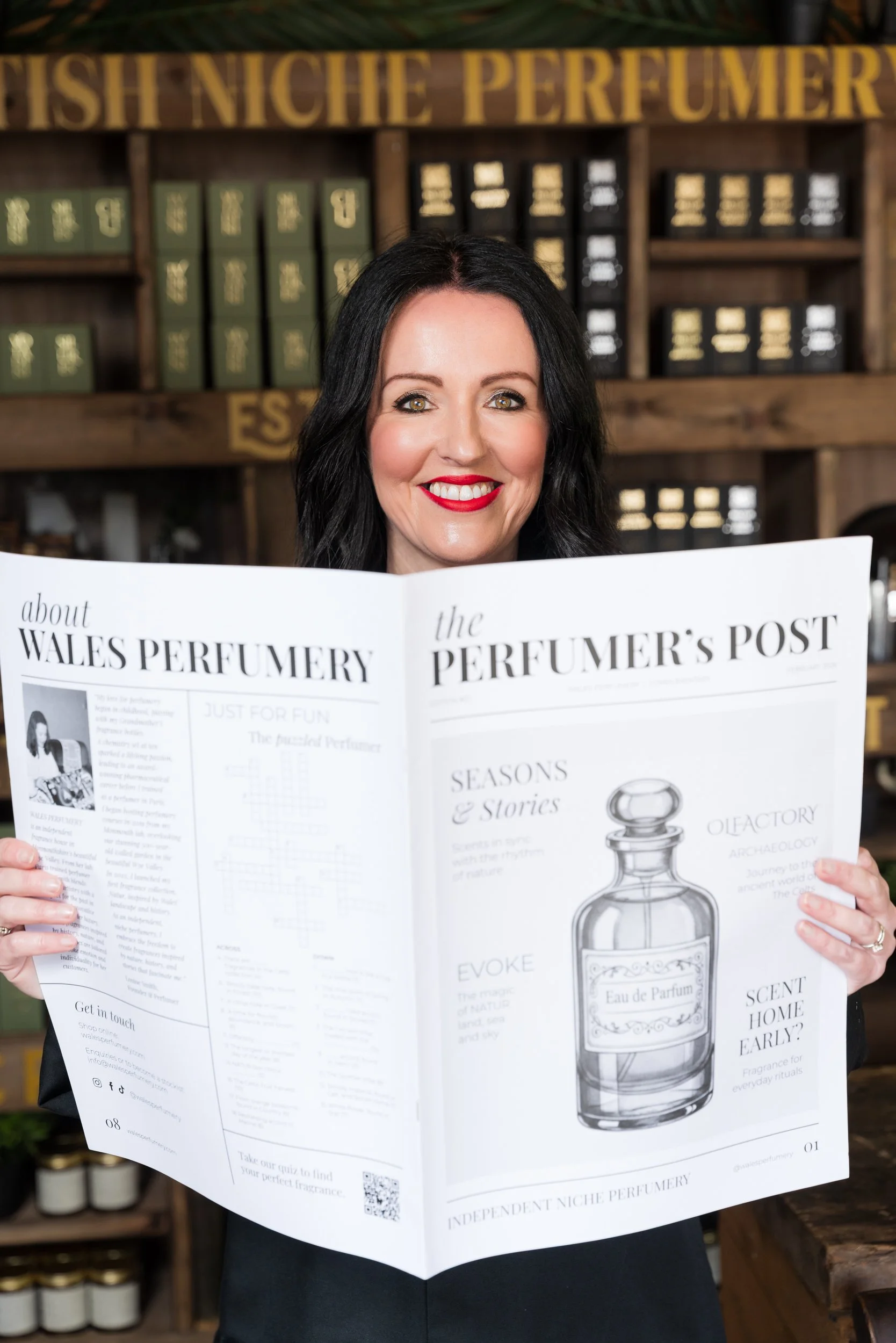
Products & demonstrations
Create simple, repeatable setups for products, equipment, processes and demonstrations.
-
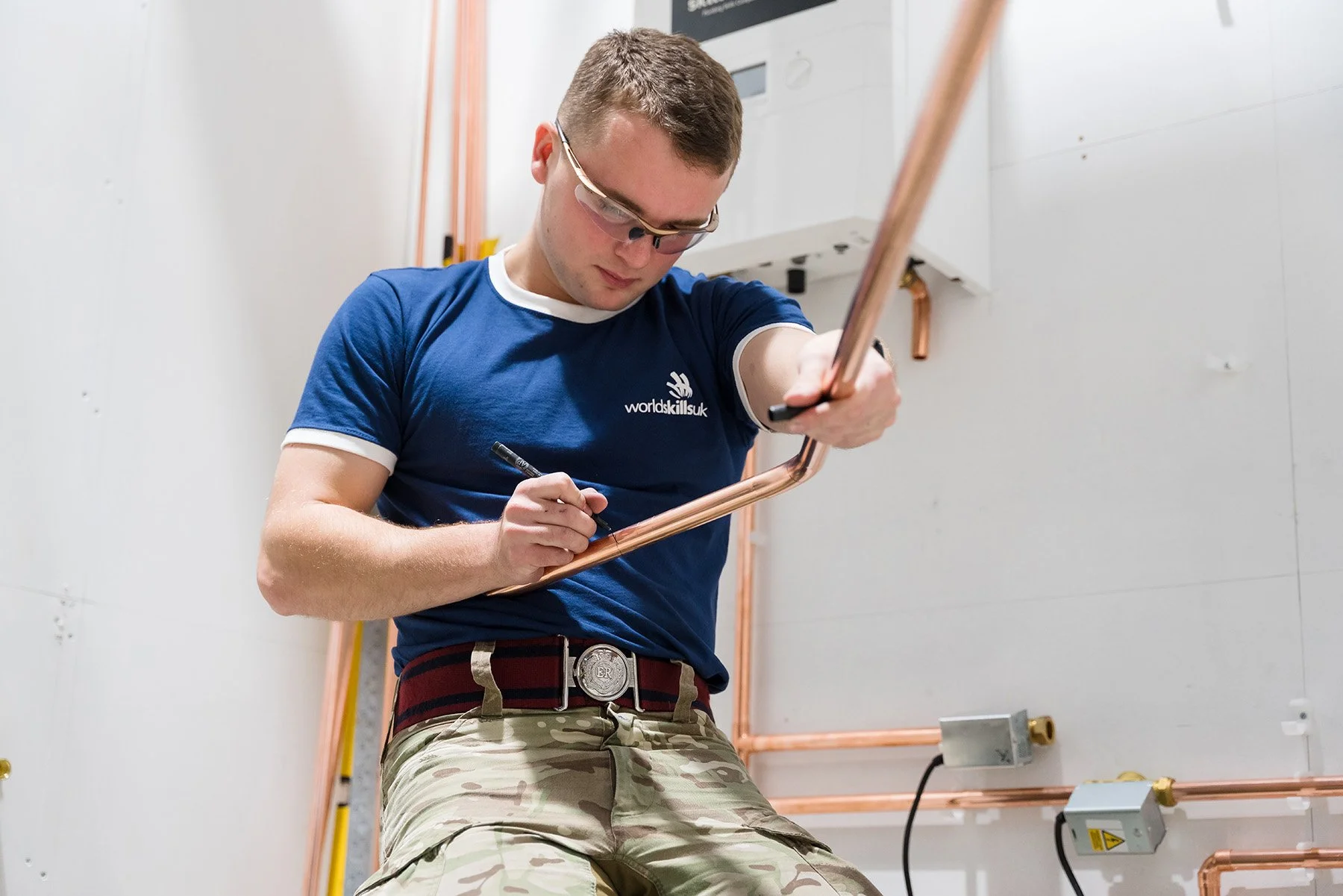
Social & everyday content
Capture photo and video assets quickly enough to be useful for websites, LinkedIn, Instagram, internal communications and other channels.
How we build your training
You don't need to choose an exact course before getting in touch.
-
01 - Understand what you need
We'll establish who needs training, their current level of experience and the content they're expected to produce.
-
02 - Review your equipment
Tell me what cameras, lenses, phones, microphones, lighting and software you already have.
Where appropriate, I can also advise on gaps, upgrades - or equipment you don't need to buy.
-
03 - Build the programme
I'll recommend the right combination of subjects, timings and practical exercises around your team.
-
04 - Train using real scenarios
Where possible, we'll work with your own equipment, locations, people and typical content requirements.
-
05 - Make it repeatable
Your team leaves with a clearer approach they can continue using after the session, supported by relevant shot lists, checklists or reference material.
Half day - full day - multi-day - specialistTypical training formats
-
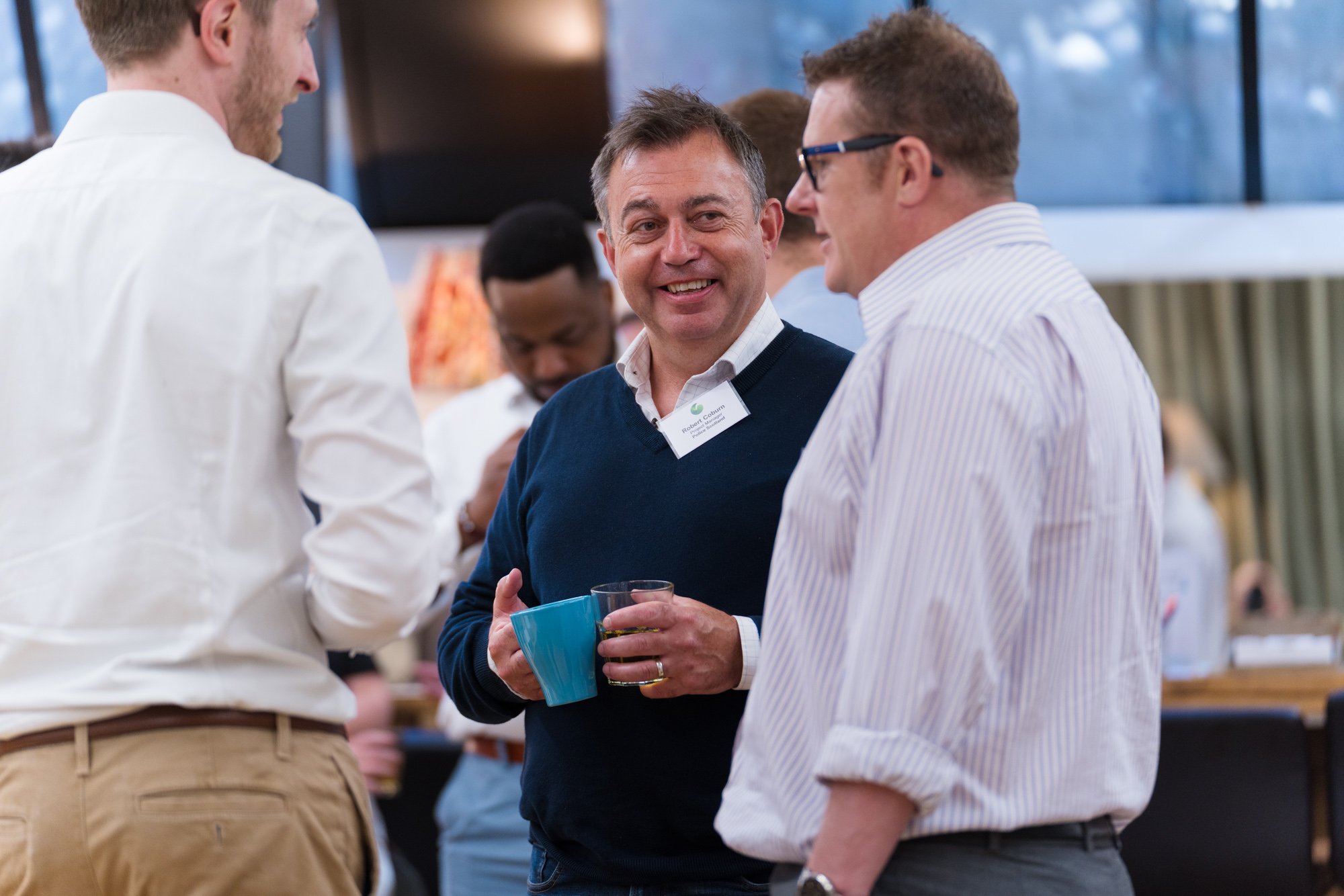
Half-day focused training
Useful for a specific requirement such as camera fundamentals, mobile content, Lightroom or improving event photography.
-
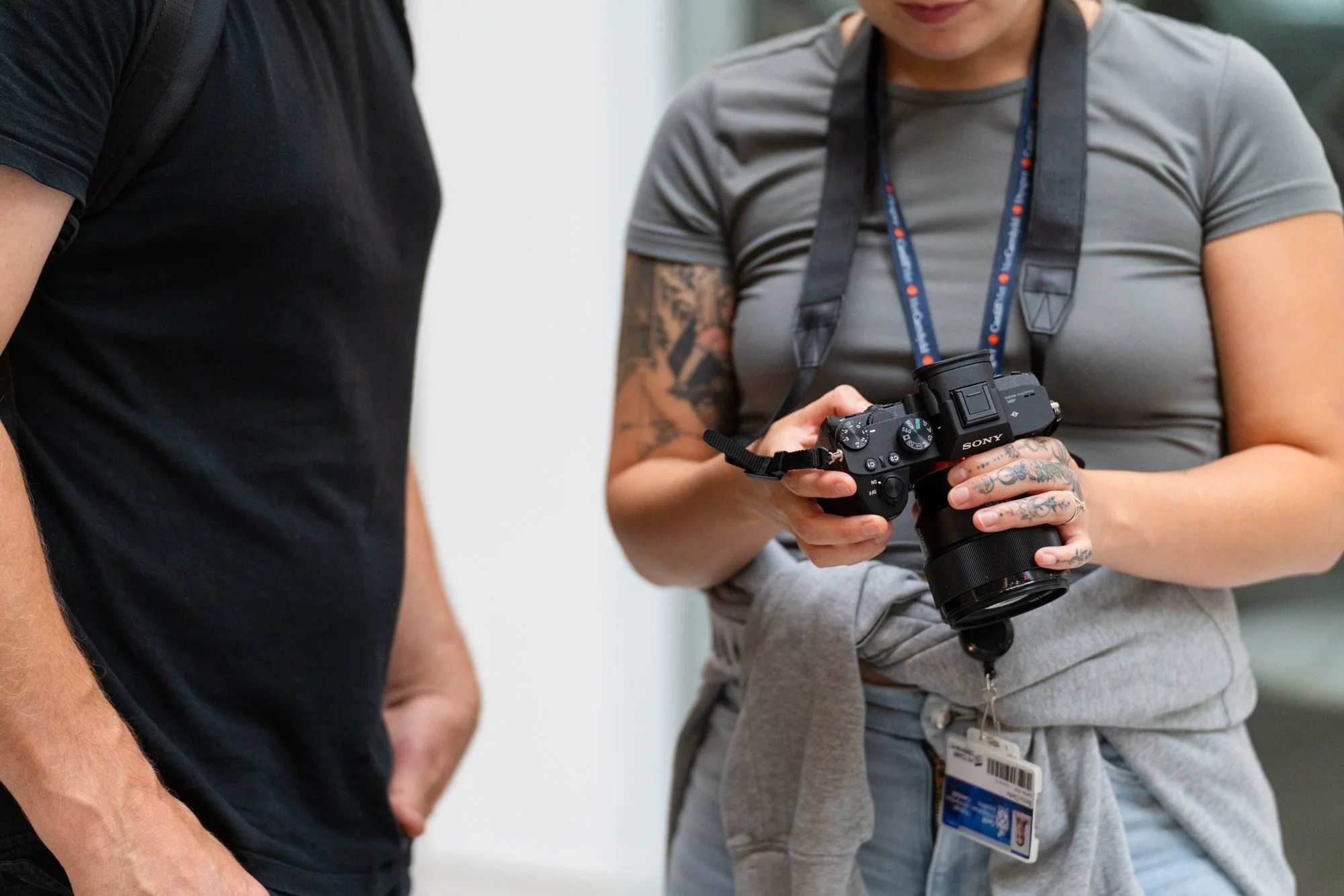
Full-day photography training
More time to cover camera setup, people, events, composition, lighting and practical exercises.
-
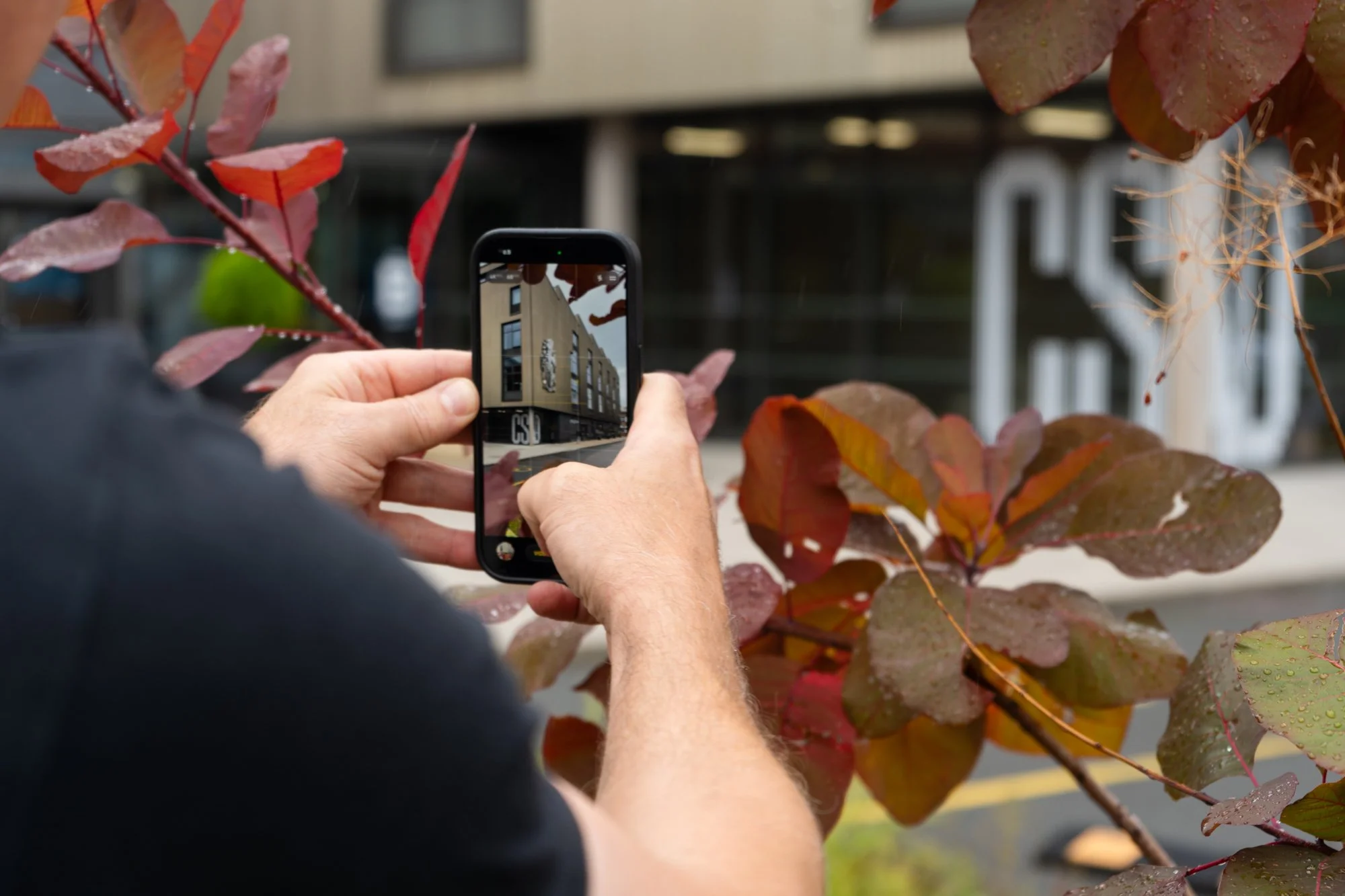
Photography + mobile content
A combination of camera photography and practical smartphone photo/video training for communications or marketing teams.
-
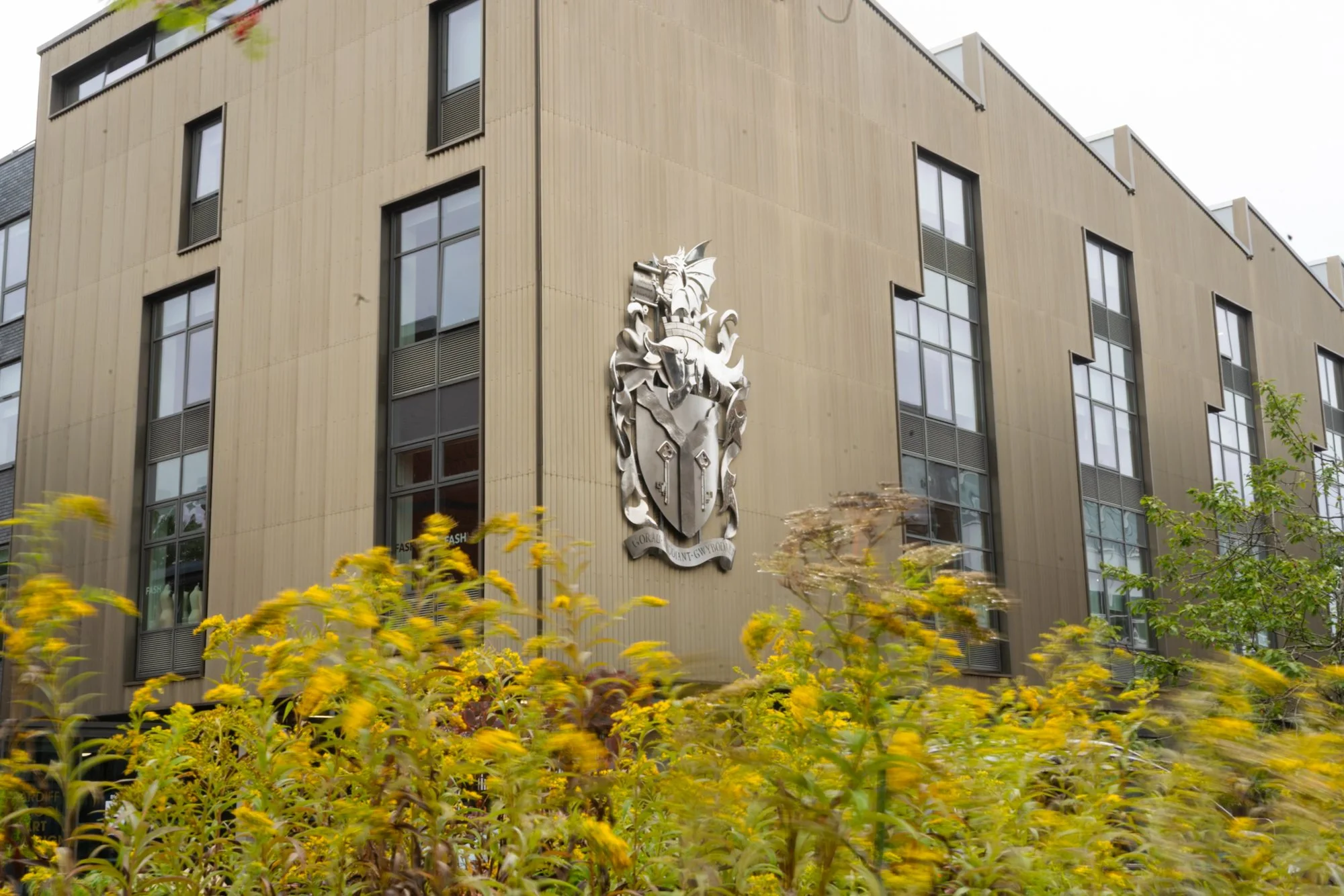
Two-day photography & video programme
A typical split might be one day focused on mirrorless camera photography and a second on mobile video, interviews, audio, B-roll and editing.
-
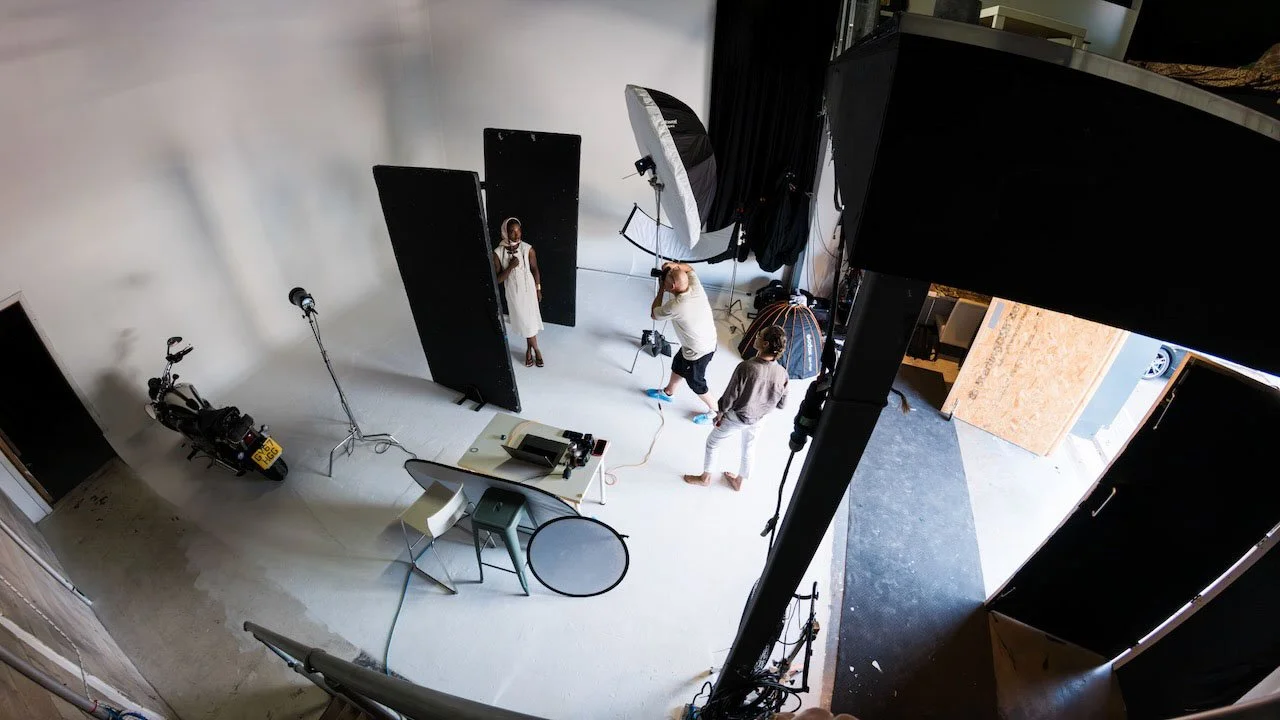
Specialist session
Specialist sessions can also be built around lighting, flash, product photography or another specific requirement.
At the end of the sessionTypical outcomes
The exact content depends on your programme, but training can help teams:
use cameras and smartphones more confidently
produce sharper, better-exposed photographs
photograph people and events more naturally
work more effectively in difficult lighting
record better interviews, B-roll and short-form video
improve audio and basic lighting
select and edit content more consistently
work from a repeatable shot list or content workflow


On-site photography & video training
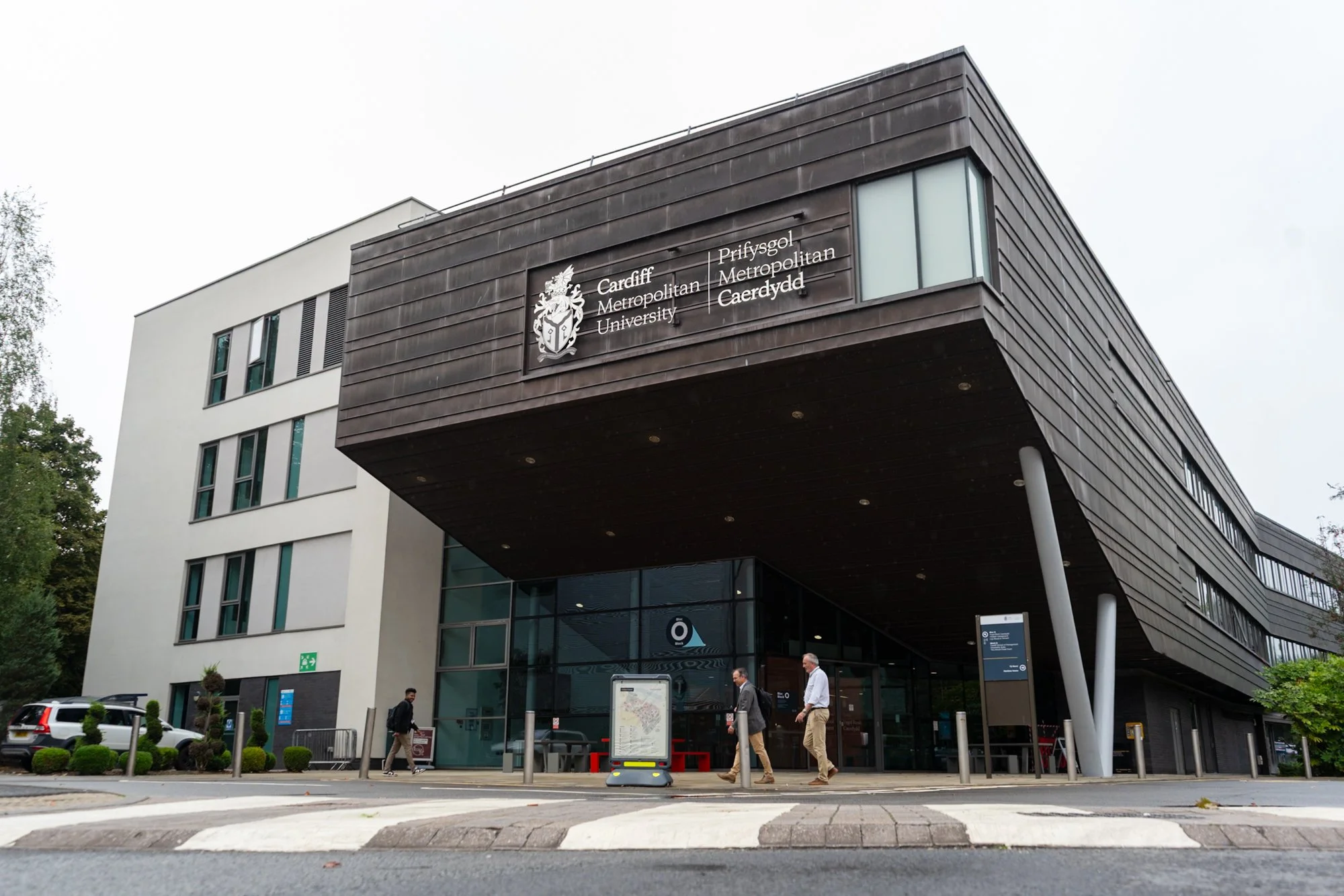
For many organisations, training works best at your own workplace.
It means we can use the equipment your team already owns and work through the rooms, lighting conditions, people and scenarios they regularly encounter.
I'm based in Penarth and provide on-site training across:
Cardiff • Penarth • Newport • Vale of Glamorgan • Rhondda Cynon Taf • Bridgend • Monmouthshire • South Wales • Bristol
Training elsewhere in the UK can also be arranged.
Studio-based sessions are available where specialist lighting or photography facilities are needed.
Photography & video training costs
Training is tailored according to the subject, number of attendees and location.
£287.50 per person for a full training day*.
1-to-1, small-group, larger team and multi-day training available.
*- Based on a team of four. Bespoke pricing available for different group sizes.
Travel, studio hire or specialist requirements can be quoted separately where needed.
Practical training from a working photographer
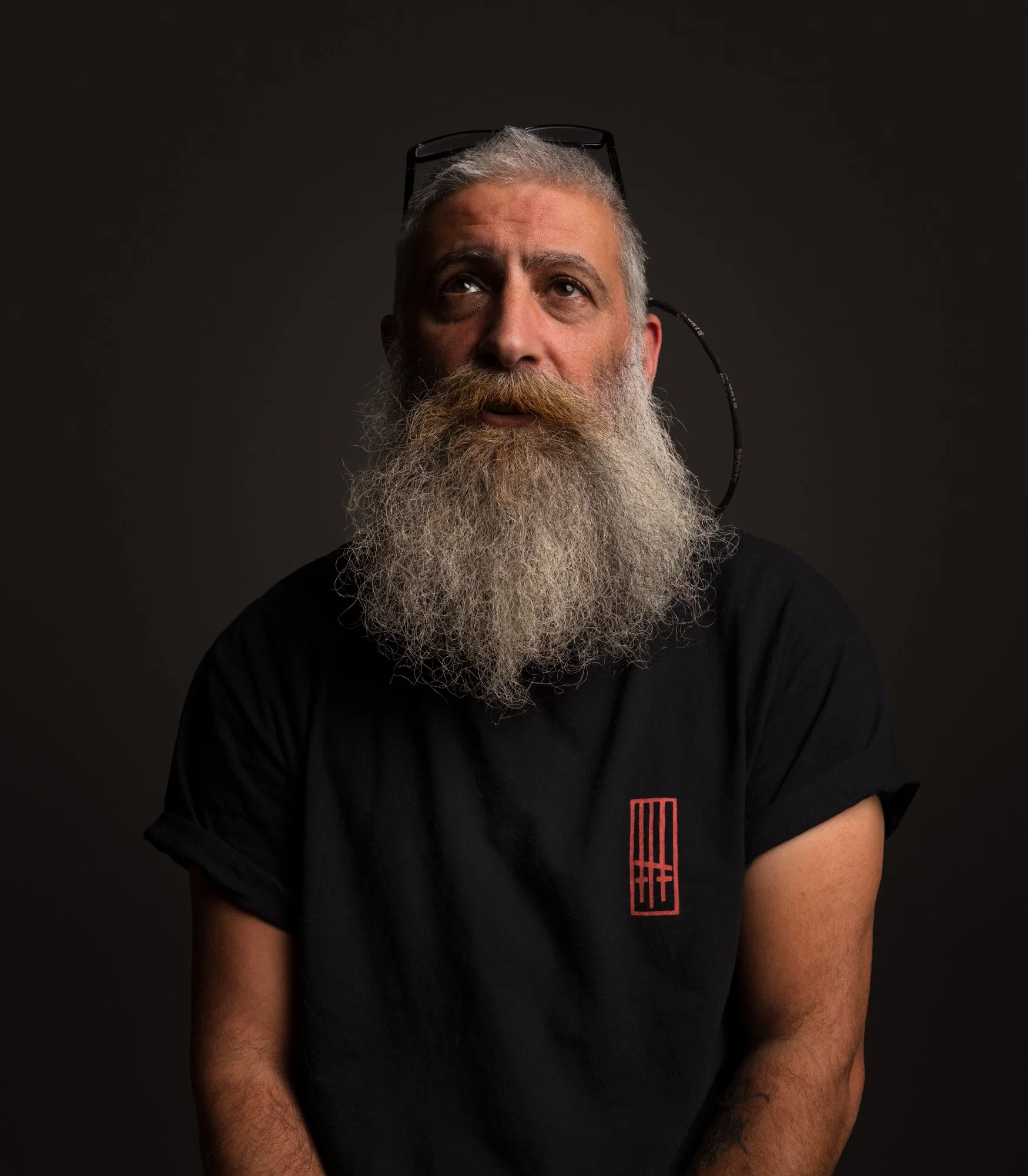
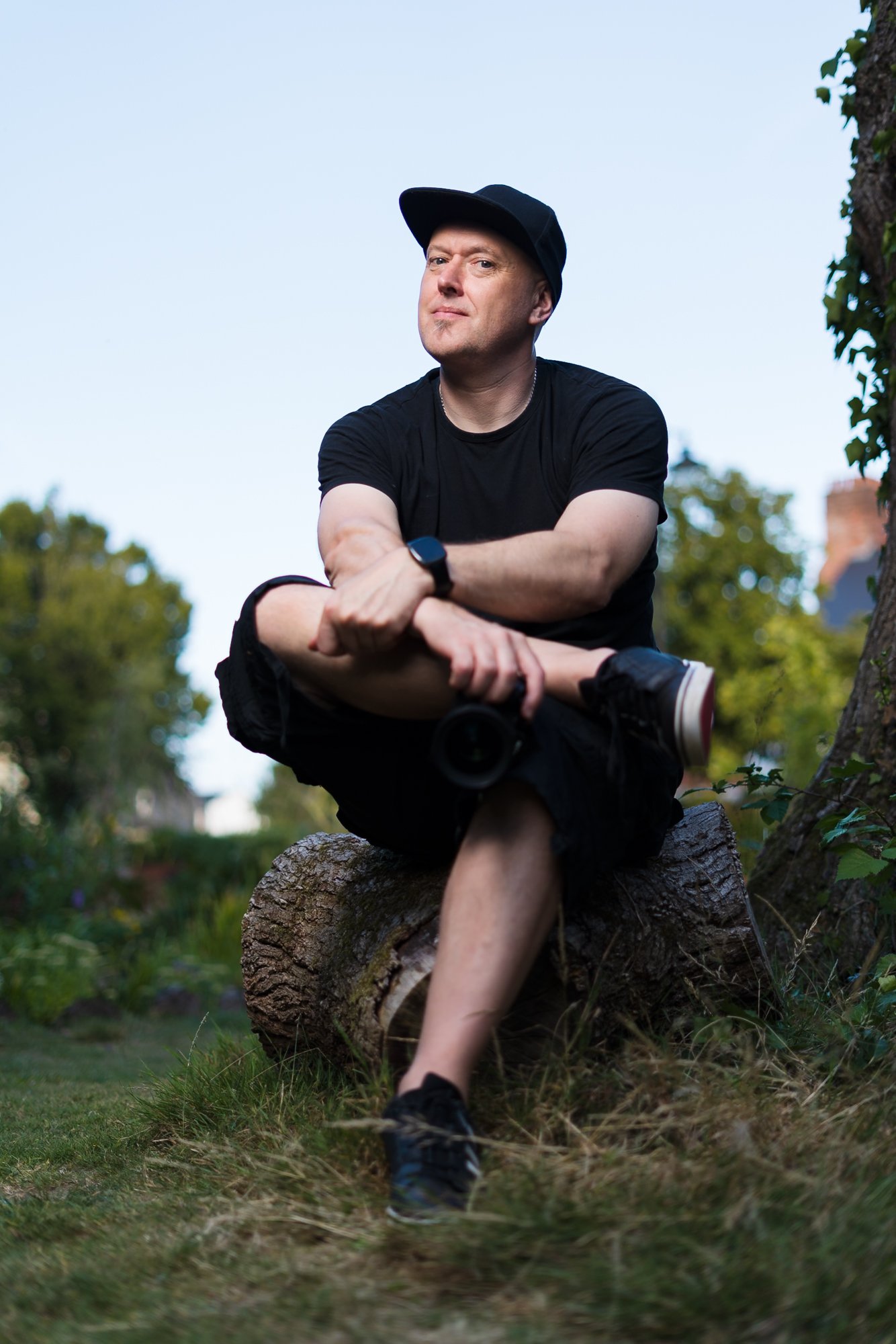
I'm a commercial photographer, video producer and creative director with more than 20 years' experience creating content for businesses, charities and organisations.
The training is based on the same situations I work with professionally — people, events, workplaces, products, interviews, difficult lighting and content that needs to serve a genuine communications purpose.
For larger or specialist sessions, an additional trainer can be included where appropriate.
Photography training FAQs
-
Yes. That's normally the best approach. Let me know what cameras, lenses, smartphones, microphones, lighting or software you currently use and the training session can be built around them.
-
Yes. On-site photography and video training is a core part of the service.
-
Yes. Sessions can accommodate mixed abilities. We can establish everyone's experience before the training and structure exercises accordingly.
-
Yes. I provide bespoke photography and video training for businesses and organisations rather than only fixed public photography courses. Training can be designed around an in-house marketing, communications or content team's specific requirements.
-
Yes. Camera photography, mobile photography, video, lighting and editing can be combined within one programme or spread across several sessions.
-
Not necessarily, although using the equipment your organisation owns is usually beneficial because your team can immediately apply what they've learned afterwards.
-
Yes. I can advise on cameras, lenses, microphones, lighting and accessories - including where buying more equipment probably isn't necessary.
-
Depending on the programme, your team can receive supporting checklists, shot lists and reference information to help make it easy for you and your team to reference items we covered.
What do you need to improve?
You don't need to choose a fixed course - let me know what equipment you have, what your team needs to create and the areas you'd like to improve and I'll recommend a practical training format around it.
Studio
Preferred contact method:
Enquiry form or via text / whatsapp
07949 712813 to arrange a time to discuss and / or check availability.
The Studios, Cornerswell Road, South Wales, CF64 2UW, UK
On-site photography and video training across:
Cardiff • Penarth • Newport • Vale of Glamorgan • Rhondda Cynon Taf • Bridgend • Monmouthshire • South Wales • Bristol and throughout the UK by arrangement.
Specialising in:
Photography • Mirrorless cameras • Mobile video • Lighting • Lightroom • Content workflows